Google Search Console is free, reliable, and the only source of truth for how Google sees your clients' sites. Every agency uses it. Very few use it well in client reporting.
The problem is not the data — as we covered in conversational analytics vs dashboards, the gap is always between seeing numbers and explaining them — GSC gives you clicks, impressions, CTR, and average position for every query and page. The problem is that none of those numbers mean anything to a client without context. "Position 14.2" is not a client-ready insight. "Your top landing page dropped from page 1 to page 2 for 'organic dog food nz' after last week's core update — here's what to check" is.
What GSC gives you
GSC provides query-level and page-level data — clicks, impressions, CTR, and average position — broken down by country and device. For agency clients running Google Ads alongside organic, this data reveals which queries already rank well (reduce paid spend) and which are slipping (act before traffic drops).
Why GSC is non-negotiable for SEO
Every third-party SEO tool — Ahrefs, Semrush, Moz — estimates traffic and rankings from crawled data. GSC is the only source that reports actual clicks, actual impressions, and actual average position directly from Google's index. When a client asks "how is our SEO doing?", the only honest answer comes from GSC.
For agencies, this matters in three specific ways. First, GSC is the earliest signal for ranking changes. A position shift shows up in GSC days before it registers in organic traffic in GA4. Second, GSC reveals the queries that drive impressions but not clicks — the gap between visibility and performance that defines most SEO opportunities. Third, GSC is the only way to verify that Google is indexing the pages you want indexed. Coverage errors, mobile usability issues, and Core Web Vitals problems all surface here first.
No other data source gives you this combination. That is why every agency SEO report should start with GSC data — and why the narrative around that data is what clients actually pay for.
Where native reporting falls short
GSC's built-in interface is designed for SEO practitioners, not client communication. The problems for agencies:
No narrative. GSC shows a chart and a table. It does not tell you what changed, why it changed, or what to do about it. Every report that includes GSC data requires the account manager to write that narrative manually.
No cross-source context. A client's organic CTR dropping 15% might be caused by a new SERP feature, a competitor's ad, or a technical issue. GSC alone cannot tell you which. You need to cross-reference with GA4 (did organic sessions also drop?) and Google Ads (did brand CPC change?).
No client branding. GSC exports are raw CSVs or screenshots. Neither is client-ready. The account manager reformats the data into slides, adds the agency's branding, and writes the explanation — 20-40 minutes per client.
16 months of data, no baselines. GSC retains 16 months of data, but surfacing "this query is 30% below its 90-day average" requires manual calculation. Most agencies skip this and report absolute numbers without context.
How LDOO connects Search Console
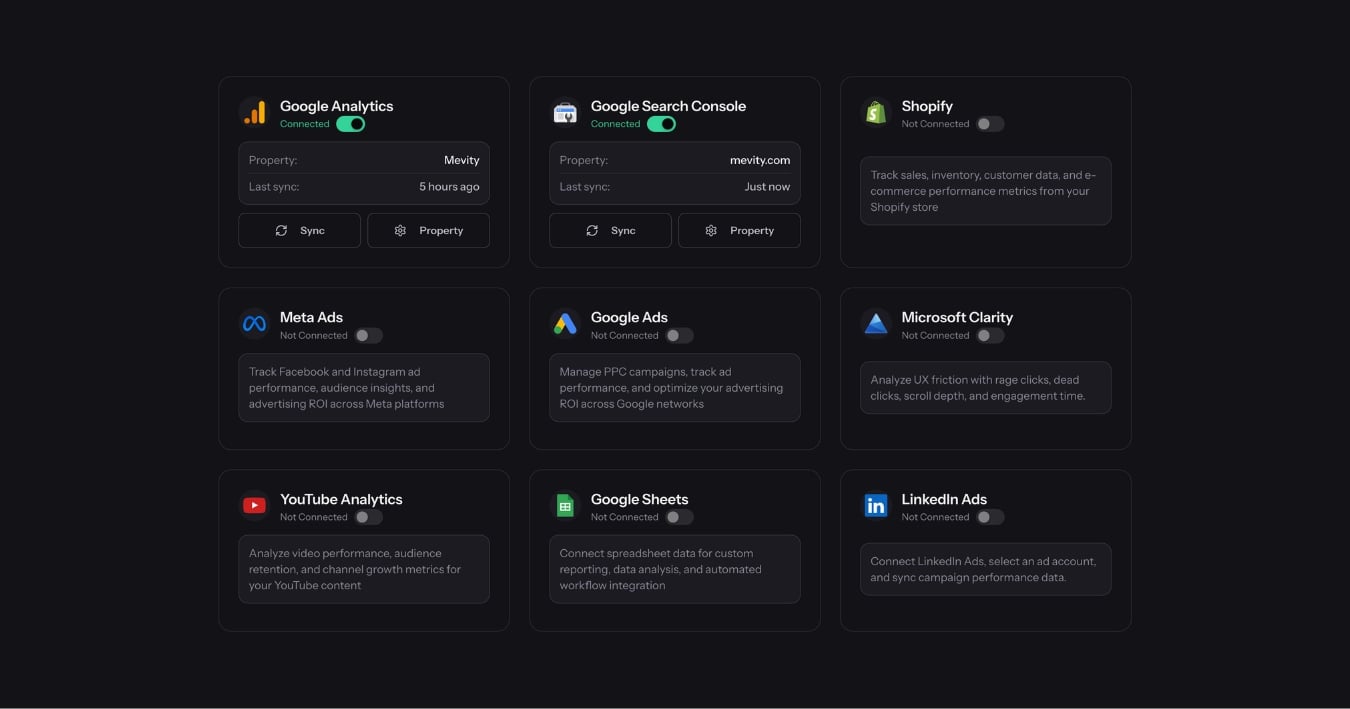
LDOO connects to GSC via OAuth and syncs query-level, page-level, country, and device data on a recurring schedule. The data flows into the same normalised store as GA4, Google Ads, Meta Ads, and every other source — so cross-platform questions work out of the box.
Ask a question like:
"Which pages lost the most organic clicks this month compared to last?"
LDOO queries the GSC data, compares periods, identifies the pages with the largest absolute and percentage declines, and returns a specific answer:
Your /products/organic-dog-food page lost 340 clicks this month (down 28%), driven by a position decline from 4.2 to 8.7 for the query 'organic dog food nz'. This decline started on May 3rd and has not recovered, suggesting a ranking shift rather than a temporary fluctuation. The page's mobile CTR also dropped from 4.1% to 2.8%, which points to a SERP layout change on mobile.
That is a client-ready explanation. No reformatting, no manual cross-referencing.
Cross-source questions
The real power is combining GSC with other sources in a single question:
- "Are we paying for clicks on keywords where we already rank organically?" — Cross-references GSC queries with Google Ads keywords to find redundant spend.
- "Which landing pages have high organic traffic but low conversion rates?" — Combines GSC page data with GA4 conversion data.
- "Did the new blog posts generate any organic impressions yet?" — Filters GSC page data by URL pattern and date range.
Each of these would take 15-30 minutes to answer manually across two platforms. LDOO answers them in seconds.
From question to client report
Once you have the answer, one click generates a branded PDF report. The report includes the AI-generated narrative, the comparison data, and recommendations — all formatted with the agency's branding. The client sees a professional document, not a GSC screenshot.
For agencies managing 15+ clients with organic search as part of the strategy, this replaces the manual GSC-to-slides workflow entirely. If you are new to LDOO, here is how it works.
Connect Search Console to LDOO and ask your first organic search question.